Managing a digital game collection can quickly turn into a frustrating chore. Players frequently accumulate hundreds of titles across various hard drives, cloud storage accounts, and local folders. Keeping track of installation files, save data, and game updates requires constant attention, detracting from the actual enjoyment of playing.
For those who purchase DRM-free titles from storefronts like GOG or Humble Bundle, the challenge of organization is even more pronounced. Without a centralized launcher to handle the heavy lifting, gamers are left to curate their libraries manually. This often involves digging through obscure file paths, renaming folders, and hunting down cover art just to make a collection look presentable.
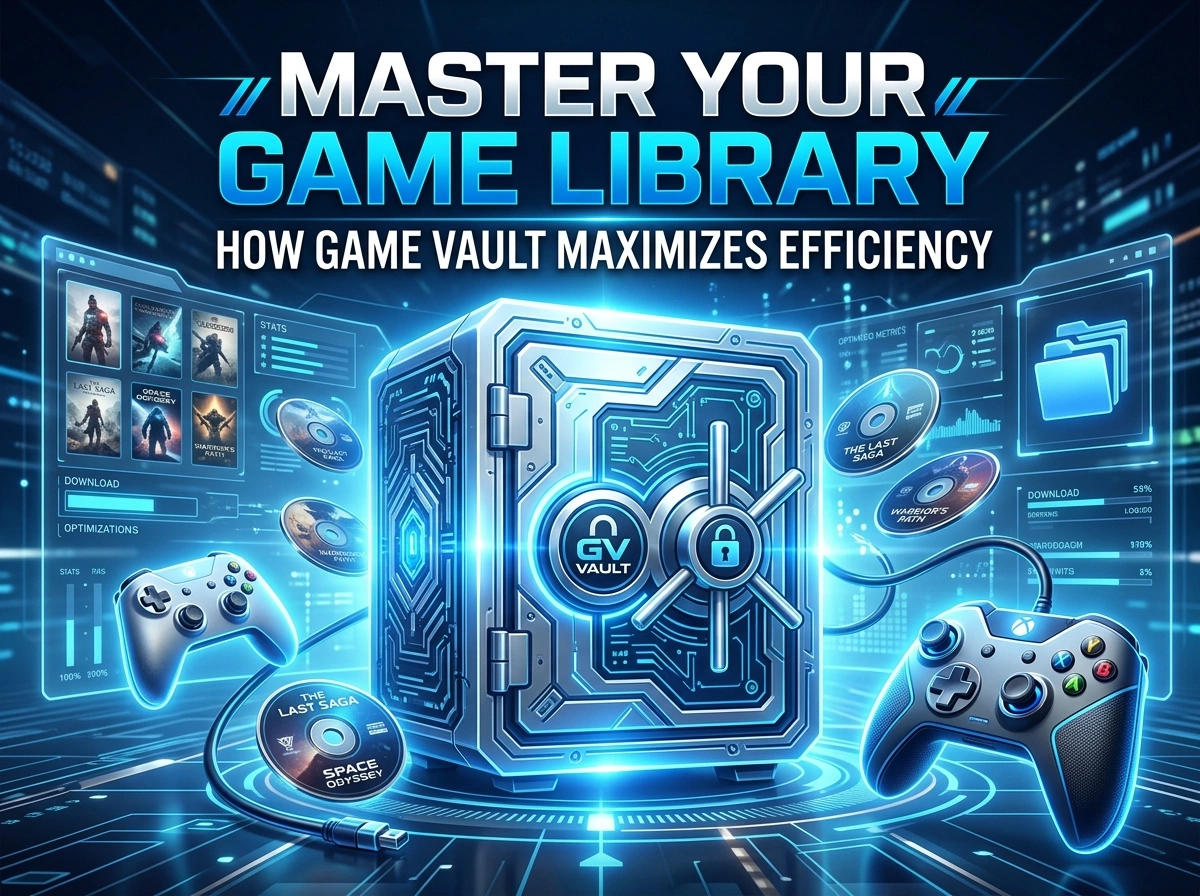
Game Vault offers a powerful alternative. As a self-hosted gaming platform, it gives users complete control over their DRM-free libraries while providing the sleek, automated experience usually reserved for massive proprietary storefronts. It functions similarly to a personal cloud server for your games, allowing you to host, manage, and distribute your files entirely on your own terms.
This post explores how Game Vault helps players maintain an organized, highly efficient gaming environment. You will learn how to leverage its tools to consolidate your library, protect your digital assets, and easily share your gaming ecosystem with friends.
Streamlining Game Libraries
A disorganized game library leads to wasted time. When your files are scattered across multiple storage drives, simply finding the game you want to play becomes an unnecessary hurdle. Game Vault resolves this by acting as a single, unified hub for your entire DRM-free collection.
By hosting your games on your own server hardware, you create a centralized repository that you can access from any compatible device. Instead of maintaining separate folders on your desktop, laptop, and living room media PC, you maintain one primary library. The Game Vault native client then connects directly to this server, presenting your available titles in a clean, highly visual interface.
One of the most significant time-saving features of Game Vault is its automatic metadata enrichment. Manually categorizing games and searching for high-quality box art is a tedious process. Game Vault completely eliminates this workload. When you add a new DRM-free game to your server, the platform automatically scans the files and fetches the relevant cover art, game descriptions, and background metadata.
This means your collection immediately looks professional and uniform without any extra input on your part. You can sort and filter your games based on this metadata, making it incredibly simple to browse your collection by genre, release year, or developer. The result is a library that is not only visually stunning but also highly functional and easy to navigate.
Organizing Digital Assets and Progress
True digital organization extends far beyond just making a game library look visually appealing. It requires robust systems for managing the underlying assets, particularly the save files that represent dozens or hundreds of hours of your personal time.
Game Vault tracks your playtime and monitors your progress across your entire library. This feature provides valuable insights into your gaming habits, allowing you to see exactly where you are spending your time. For players trying to tackle a massive backlog of unplayed games, these playtime statistics offer a helpful way to prioritize which titles to focus on next.
Furthermore, protecting your game progress is a critical component of library management. Hardware failures, accidental deletions, or simply upgrading to a new PC can result in devastating losses if your save data is not properly backed up. For users who opt for the premium GameVault+ subscription, the platform offers seamless cloud save functionality through integration with Ludusavi.
This cloud save feature automatically synchronizes your game saves directly to your personal server. Because you host the server, you maintain absolute ownership of this data. You can easily switch from playing on your desktop monitor to a laptop in another room, knowing that your latest save file will be ready and waiting for you. This cross-device synchronization removes the friction of manual file transfers and ensures your digital progress remains permanently secure.
Enhancing Efficiency in Gameplay and Setup
Efficiency in gaming is about minimizing the time between sitting down at your desk and actually launching a game. Complex setups, broken shortcuts, and slow download speeds actively work against this goal. Game Vault is engineered specifically to streamline the deployment and access phases of your gaming experience.
The platform is built from the ground up for self-hosters, prioritizing an installation process that is both reliable and straightforward. Setting up the server environment can be done in minutes using standard self-hosting tools, and comprehensive documentation is available to guide you through different deployment methods. On the player side, installing the client is as simple as downloading it directly from the Microsoft Store.
Once the system is running, accessing your games is incredibly fast. Because you are downloading your game files directly from your own local server, your transfer speeds are limited only by your internal network infrastructure. You no longer have to rely on external servers or worry about internet bandwidth caps when installing large titles.
For added flexibility, Game Vault also features a responsive Web UI. This allows you to manage your server, browse your collection, and adjust settings directly from a standard web browser, even if you are away from your primary gaming machine. By removing external dependencies and simplifying the installation pipeline, Game Vault ensures that your gaming environment operates with maximum efficiency.
Collaborative Features for Gamers
Gaming is frequently a shared experience, and managing a digital library should not have to be a solitary endeavor. While many self-hosted applications are designed for a single administrator, Game Vault actively supports a multi-user environment.
You can transform your home server into a private gaming center for your friends and family. The platform allows you to create and manage individual user accounts, giving specific people access to your hosted library. Each user gets their own personalized experience, meaning they can track their individual playtime statistics and manage their own save files without interfering with your personal data.
This social framework also includes real-time community tracking. You can see what your friends are currently playing, fostering a sense of connection within your private network. Sharing your DRM-free collection in this controlled, private manner maximizes the value of the games you own and simplifies the process of getting your friends into the same titles. You become the host of your own gaming ecosystem, tailored exactly to the needs of your group.
The Impact of Organization on the Gaming Experience
A well-organized digital environment fundamentally changes how you interact with your media. When you strip away the clutter, the manual file management, and the reliance on fragmented external storefronts, you are left with a pure, uninterrupted gaming experience.
Game Vault empowers players to take back control of their DRM-free collections. By automating metadata collection, providing robust save file synchronization, and offering a sleek multi-user interface, it solves the most persistent organizational challenges modern gamers face. You gain the polish and convenience of a major commercial platform, combined with the privacy and absolute ownership of self-hosting.
If you are tired of losing track of your game files or want a better way to share your collection with friends, it is time to rethink your library management strategy. You can explore the live demo on the Game Vault website to experience the interface firsthand, or review the setup documentation to begin building your own personal gaming cloud today.
Please visit website for more info.